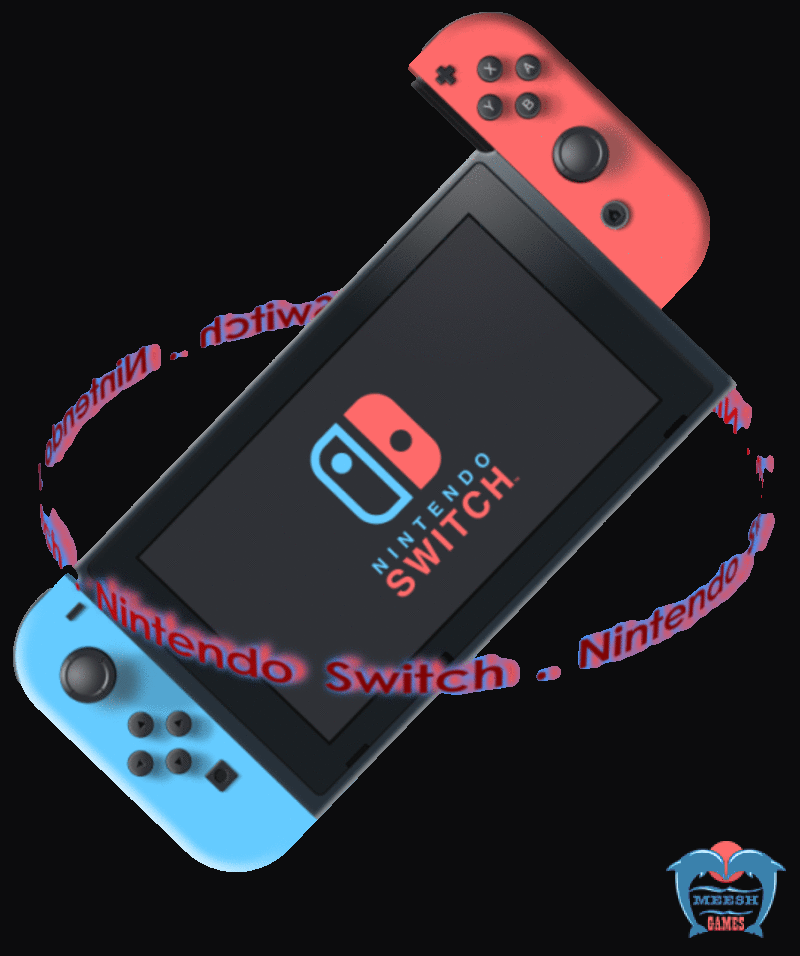
At Meesh Games , we bring professional expertise and trusted service to every Nintendo Switch repair. Our certified technicians have years of hands-on experience diagnosing and fixing all Nintendo Switch issues — from Screen replacement to charging port damage to storage errors and black screen problems.
What sets us apart?
A free, no-obligation checkup & Expert Diagnosis
Genuine Parts & Warranty Support
Fast Turnaround Time
Transparent Pricing — No Hidden Costs
Trusted by Hundreds of Gamers Across Bangalore
Whether it’s a minor glitch or a major hardware issue, Meesh Games is your go-to destination for reliable, expert Nintendo Switch repairs. Game on with confidence — because your console is in the hands of professionals.
Restore Your Console to Peak Performance
Even though Nintendo Switch is designed for durability, it’s not immune to certain technical problems.
Here are some of the most common issues in Nintendo Switch:
A year into the console’s lifespan, an issue has begun popping up with surprising regularity: Joy-Con “drift.” The issue occurs in the controllers’ analog sticks, which register movement when they are not being used — it’s an issue typically seen on worn controllers across various consoles, but it prevalence on the Switch is nearly unprecedented.
Due to the horsepower Nintendo has managed to pack into the tiny Switch console, you’ll likely notice the battery life is short when you play the most graphically impressive games. After just a couple hours of handheld play in a game like The Legend of Zelda: Breath of the Wild or Doom, the console will need to be recharged. As you likely have the AC adapter that came with your system hooked up to the dock, you either have to go behind your setup and remove it.
In addition to controller issues and problems related to the physical construction of the Nintendo Switch and its dock, a number of users have also experienced screen freezes, as well as horrible Switch seizures that cause the system to blare a high pitched squeal while lights flash faster than an ecstasy-fueled rave. Some users have also experienced temporary freezes that result in games.
After leaving your Nintendo Switch running in its dock for an extended period of time, you may find that the system has actually warped or bent very slightly backward on one side. If the problem is severe enough, you could even encounter trouble attempting to remove it from or place it in the dock again.
The most notorious of the Nintendo Switch’s issues thus far, disconnecting left Joy-Con controller, appears to be a fairly widespread problem. The Joy-Con can disconnect with the console, seemingly at random. Squeezing the controller, placing it behind one’s back, and covering the front of it with a hand all appear to exacerbate the problem.
Moving the Nintendo Switch from its portable configuration into the dock is a process that takes only seconds. If you don’t put the console in perfectly straight, however, it’s quite easy for the dock to leave permanent damage on the outside of your screen. The damage seems to be caused by two pieces of plastic protruding inside the dock, which will make contact with the outside bezel of the Switch at either end of the console when it’s dropped into place.
To avoid frequent repairs and keep Nintendo Switch running smoothly, follow these maintenance tips
Ensure your Nintendo Switch is clean & no dust at ventilated area to prevent overheating. verify that the system is powered off and that all accessories are unplugged before cleaning.
If the screen or body on your Nintendo Switch has visible smudges or fingerprints, you can clean it by using a soft, clean cloth such as a lens or eyeglass cleaning cloth. Gently rub the smudge with the cloth until it is gone.
If the screen needs to be cleaned, you will need to remove the Joy Con first before wiping with a soft, clean cloth, such as a lens or eyeglass cleaning cloth.
Nintendo Switch system should never be left anywhere where it could get hit, dropped, sat on, stepped on, or banged around (e.g., in a backpack). While well protected, the sophisticated screens and internal components can be damaged by direct physical impact. An extra protective carrying case can often help prevent problems related to impact damage.
Only insert or remove a game card when the system is turned off or when the HOME menu is displayed. Avoid exposing the system, game cards, or accessories to extreme temperatures.
When your Nintendo Switch encounters problems, it’s tempting to try and fix the issue yourself.
However, Meesh Games professional repair services offer several advantages:
Trained technicians can quickly identify the root cause of the problem and provide an accurate solution.
Reputable services use high-quality parts to ensure your console performs like new after the repair.
Our repair services offer warranties on the work, giving you peace of mind that your console is protected.
Professional repair services understand that you want to get back to gaming as soon as possible, offering quick and reliable service.
When your Nintendo Switch encounters problems, it’s tempting to try and fix the issue yourself.
FAQs about Nintendo Switch
Common Nintendo Switch issues include:
If your Nintendo Switch is not turning on, Blue / Orange / Black Screen, crashing, or showing error codes, it may need professional repair. Persistent display, power, or controller issues also indicate the need for service.
The cost varies depending on the issue:
Nintendo Switch System Has No Power. To fix it:
professionals to avoid further damage.